Yealink video conferencing
Video bars, wireless microphones, cameras, touch controllers, room systems and meeting boards, planned around your room.
Video: Yealink
Pick the room that looks most like yours to see a starting design, then browse the devices. We confirm the final equipment, compatibility and price in a written quotation after learning about your room.
Room designs
See it in action: Desk or home office
Share from your laptop with a wireless dongle
Desk or home office
1 person
A compact set-up for an executive office, phone room or home worker.
Suggested equipment
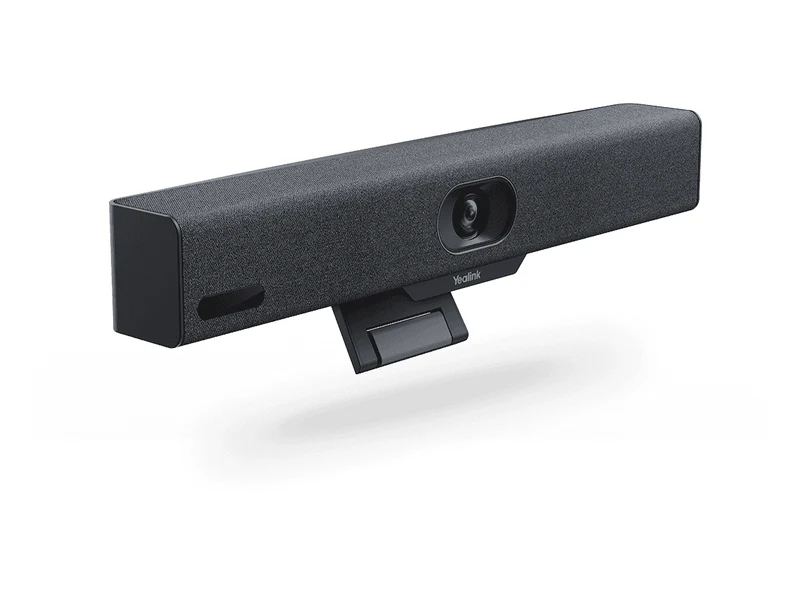
- Video barMeetingBar A10Small spaces and home offices
Desk or home office (1 person)
A compact set-up for an executive office, phone room or home worker.
- Video bar: MeetingBar A10
Huddle room (2–5 people)
A quick-join space for small team check-ins.
- Video bar: MeetingBar A25
- Touch controller: CTP25
- Wireless sharing: WPP30
Small meeting room (5–12 people)
A room for team meetings and client calls.
- Video bar: MeetingBar A40
- Touch controller: CTP25
- Wireless sharing: WPP30
Medium meeting room (7–15 people)
Longer tables, where voices at the far end need to be heard clearly.
- Video bar: MeetingBar A50
- Touch controller: CTP25
- Extension microphone: VCM36-W Pro
- Wireless sharing: WPP30
Boardroom (Executive boardrooms)
A modular system planned around the table, with cameras, microphones and screens placed to suit the room.
- Room system: MVC S90
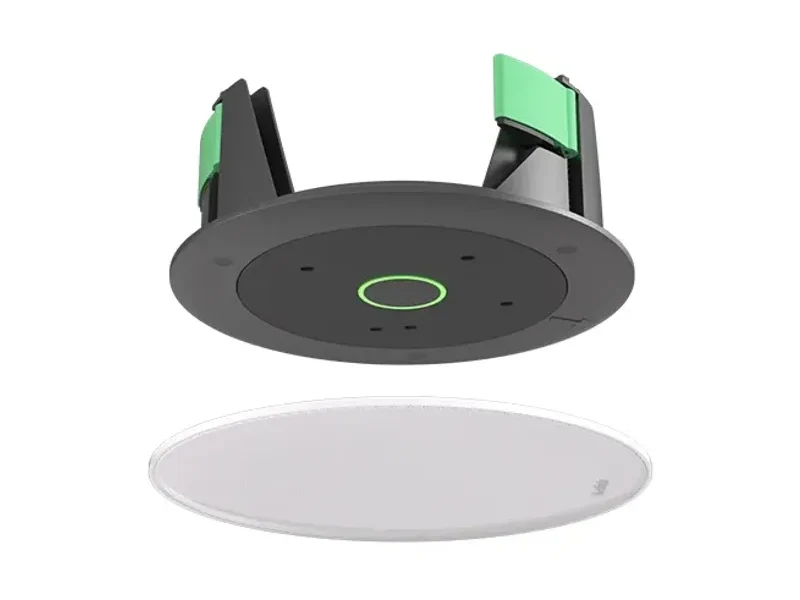
- Ceiling microphone: CM20
- Touch controller: MTouch Plus
Training and collaboration (12–20 people)
Teaching and workshops where people write on the screen and remote participants follow along.
- Meeting board: MeetingBoard Pro 86"
- Extension microphone: VCM36-W Pro
- Wireless sharing: WPP30
Room designs are suggested starting points. Capacity and pick-up distances come from Yealink’s published information and depend on the room.
Videos and product photos: © Yealink. Some clips illustrate a type of room and may show a different Yealink model from the one suggested.
Video bars, microphones and more
Video bars
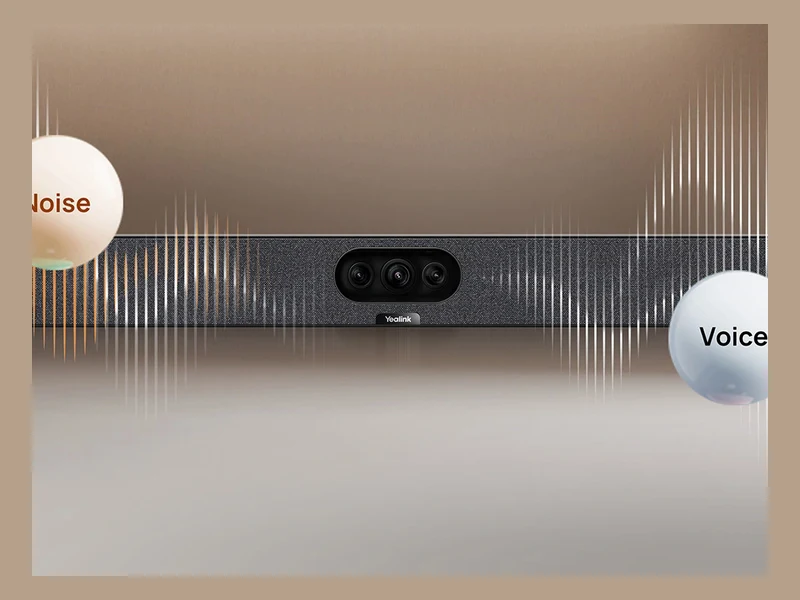
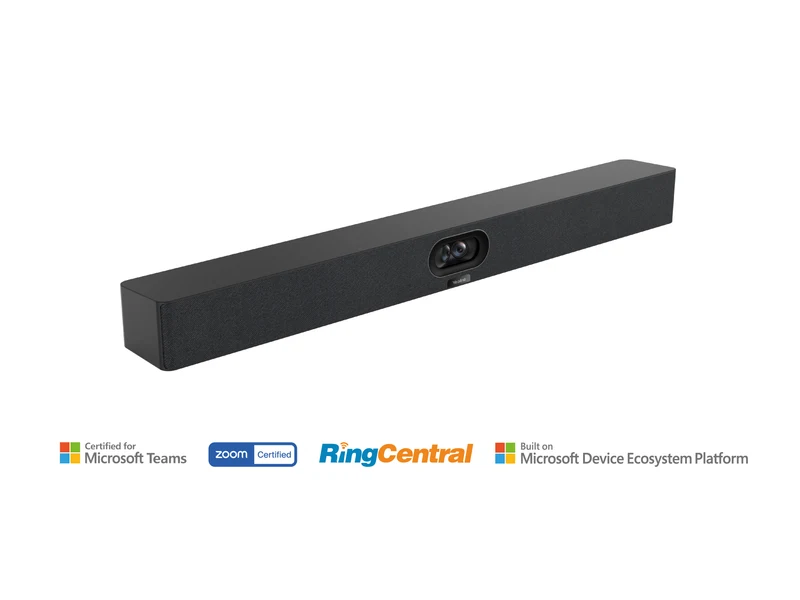
MeetingBar A25
All-in-one video bar for focus rooms.
- 2–5 people
- 151° ultra-wide view
- 5 m microphone pick-up
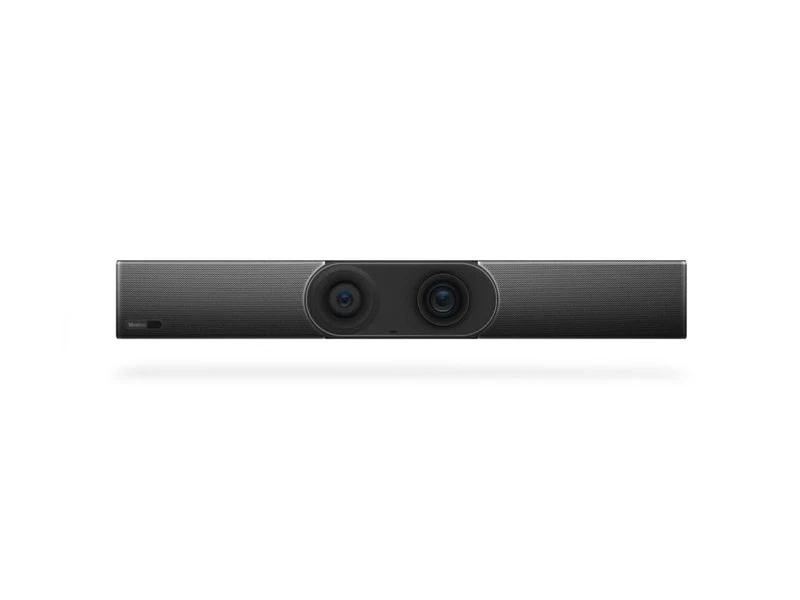
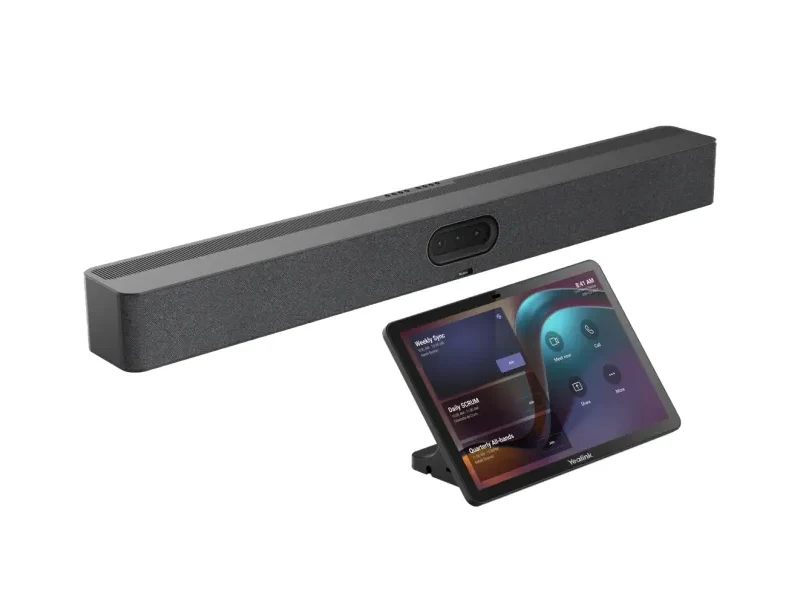
MeetingBar A40
All-in-one video bar for small rooms.
- 5–12 people
- 110° field of view
- 6 m microphone pick-up
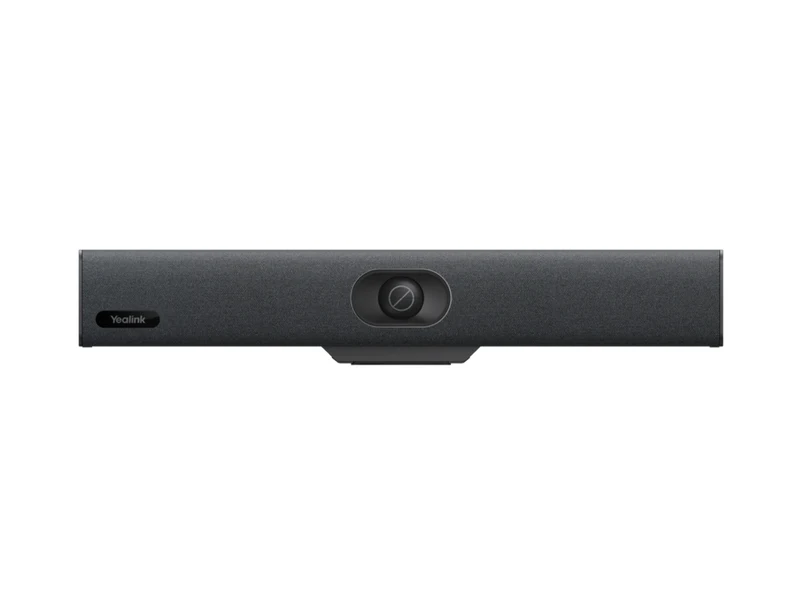
MeetingBar A50
All-in-one video bar for medium to large rooms.
- 7–15 people
- Triple 50 MP cameras, up to 4K
- Microphone pick-up up to 10 m
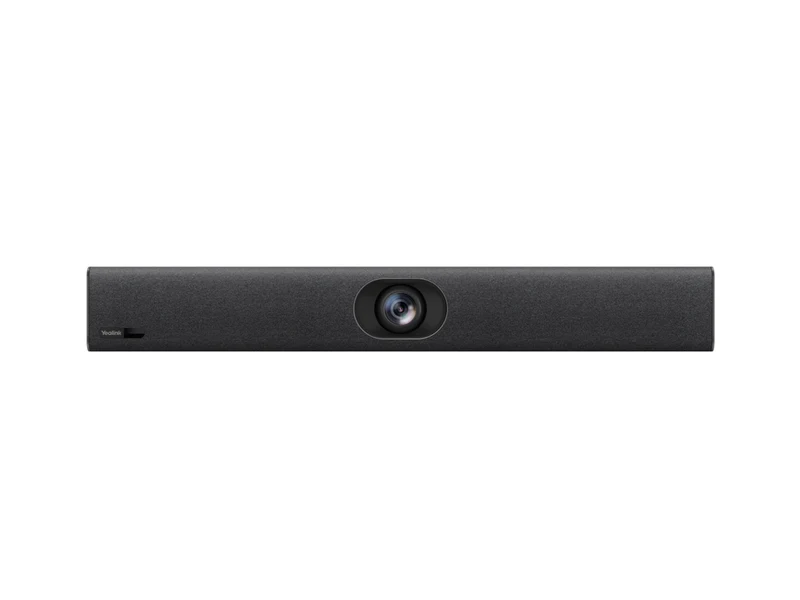
UVC40 E2
All-in-one intelligent USB video bar for small and huddle rooms.
Microphones & speakerphones
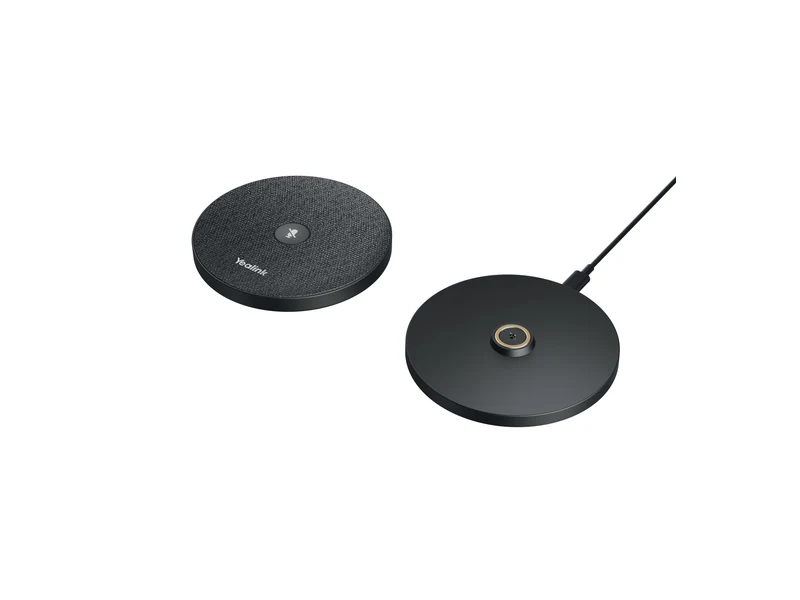
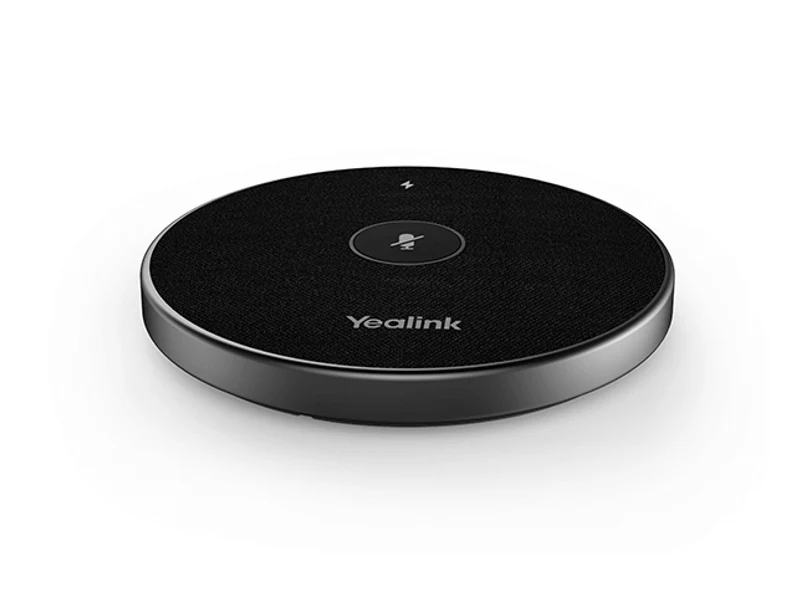
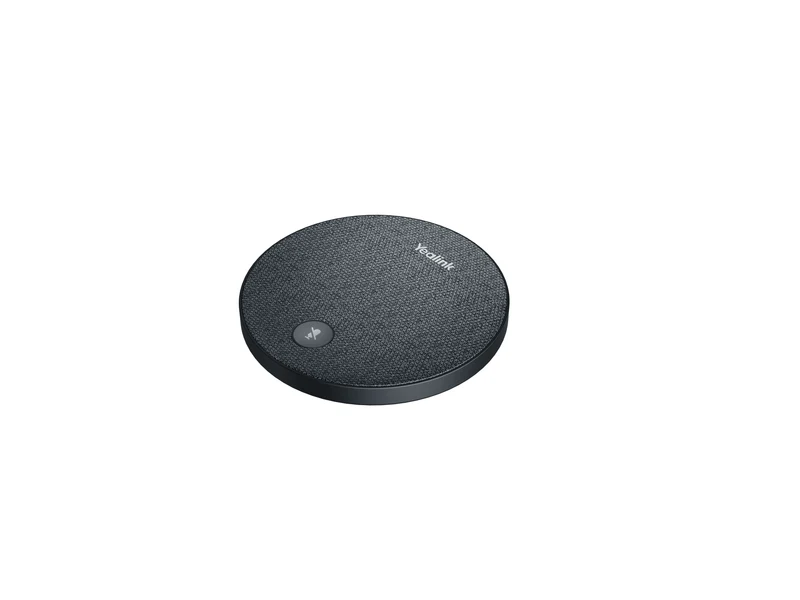
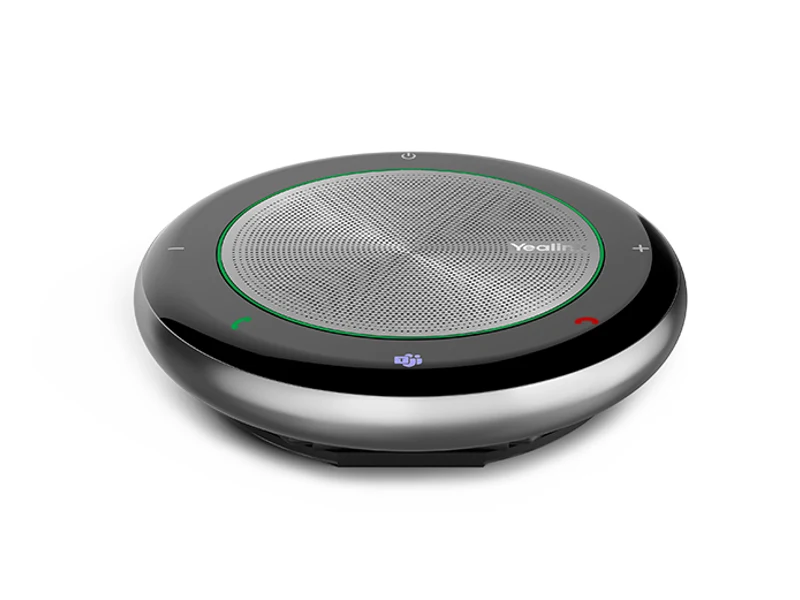
VCM36-W Pro
Wireless tabletop microphone.
- 3 m optimal pick-up radius, 360°
- 4-microphone array, full duplex
- 2.4 GHz and 5 GHz
- Up to 24 hours of conference battery life
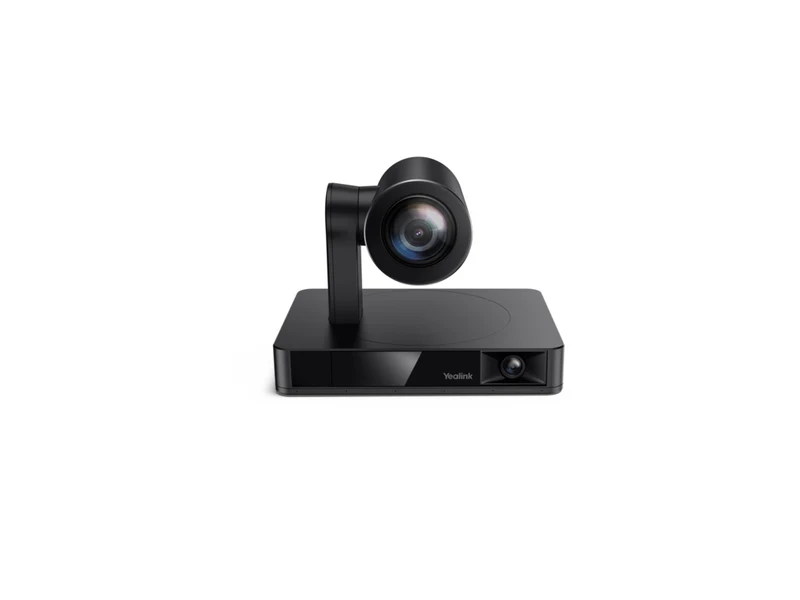
Cameras
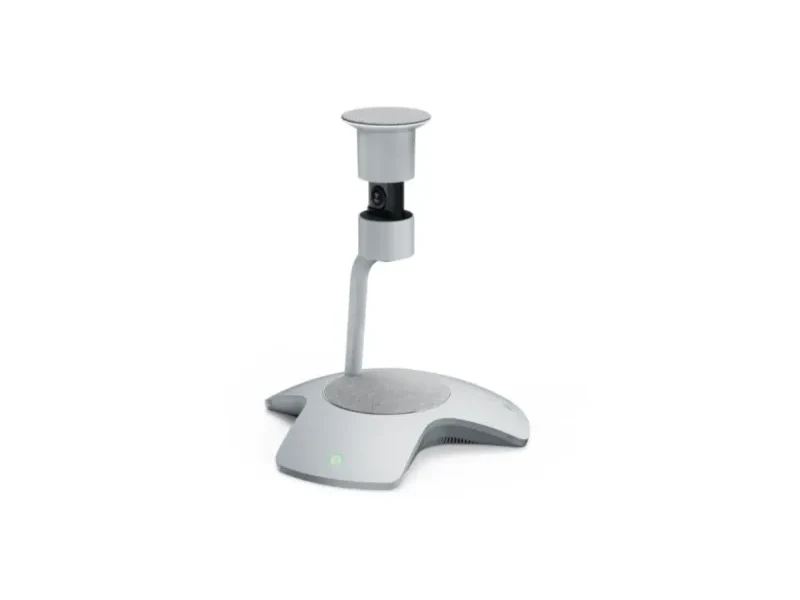
SmartVision 60
Intelligent 360° all-in-one camera for small to medium Microsoft Teams Rooms.
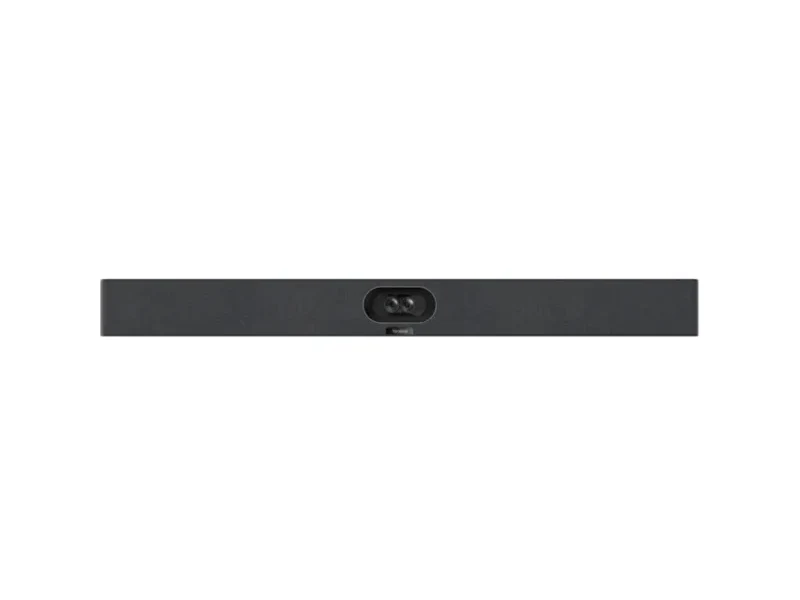
SmartVision 40
Intelligent all-in-one camera for small to medium Microsoft Teams Rooms.
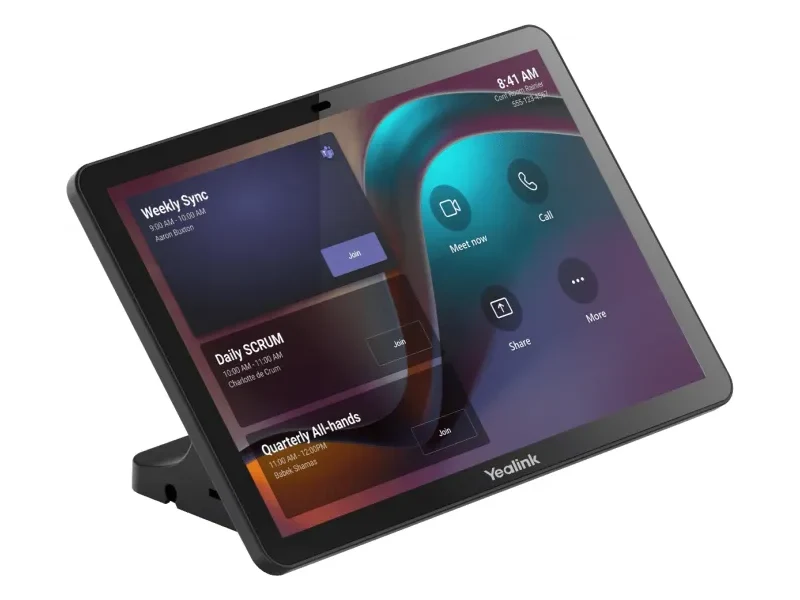
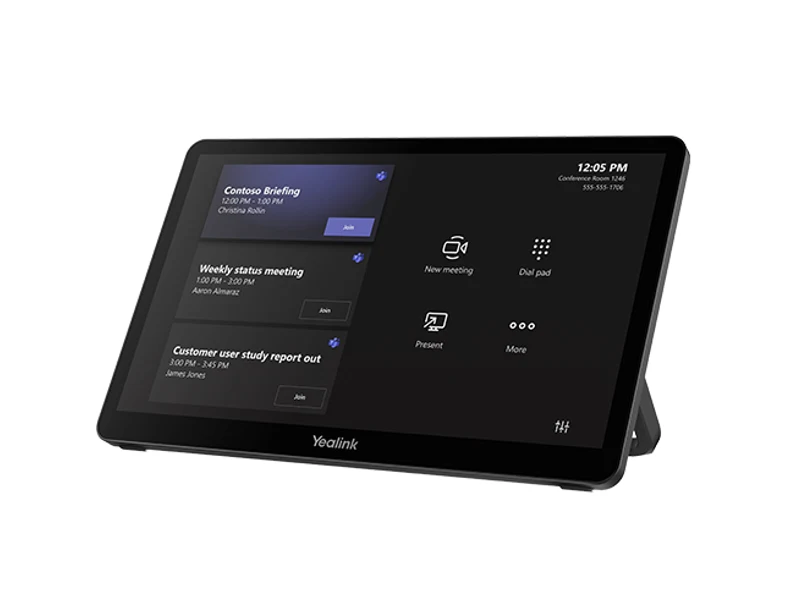
Touch controllers
Room systems
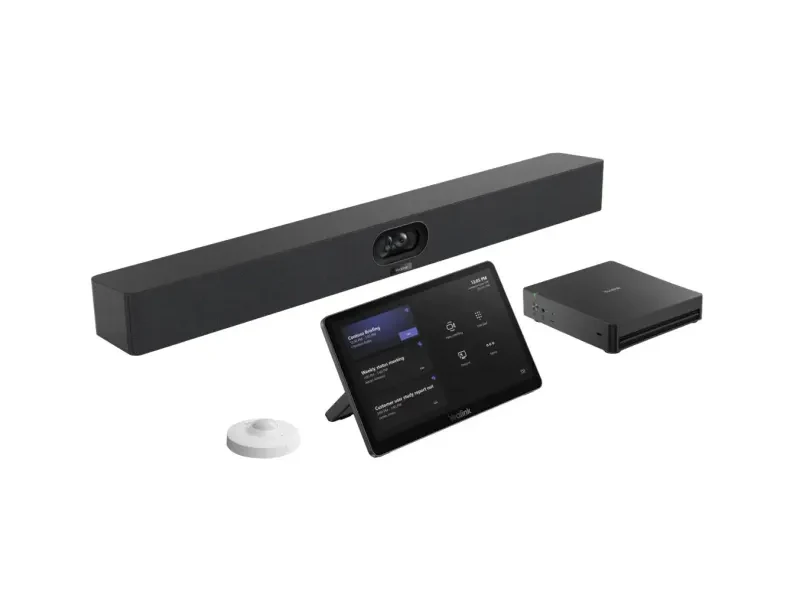
MVC S40
Microsoft Teams system for small to medium rooms.
- Dual-eye camera system
- AI noise and reverberation suppression
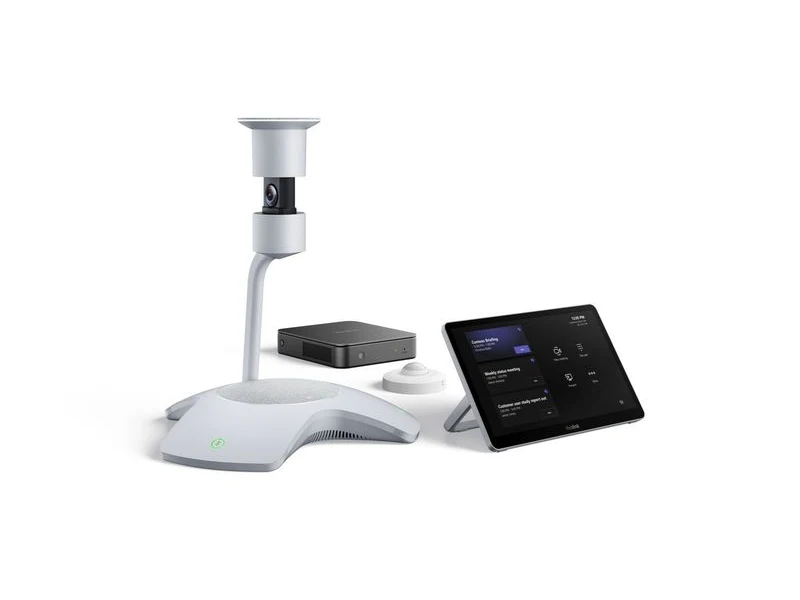
MVC S60
Video conferencing system for small to medium rooms (Teams Rooms on Windows).
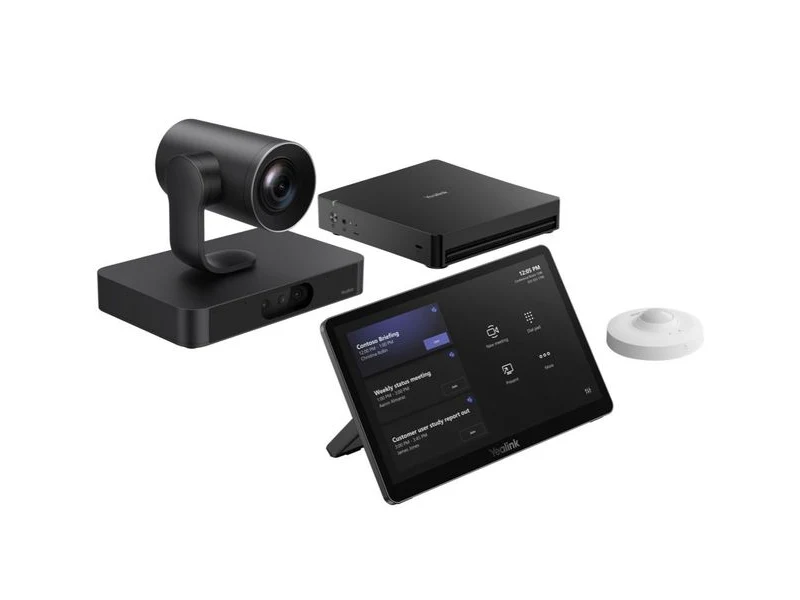
MVC S80
Video conferencing system for large rooms (Teams Rooms on Windows).
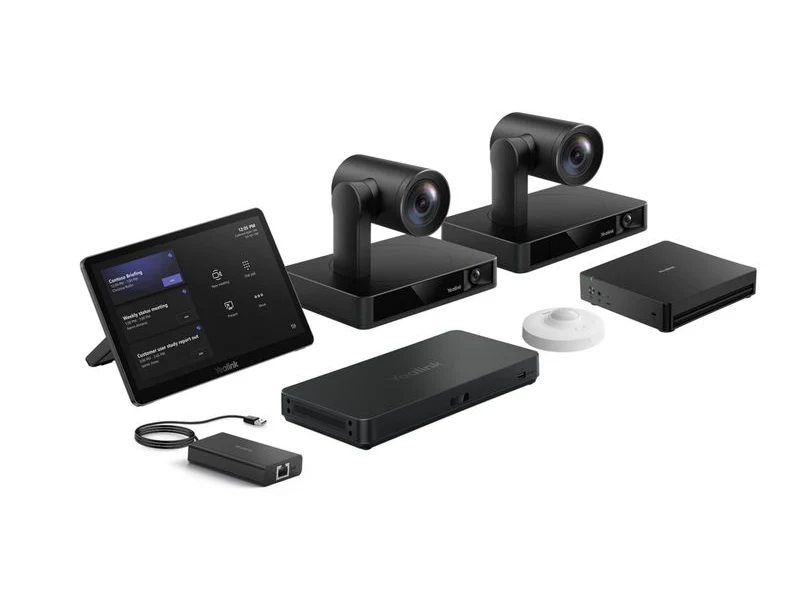
MVC S90
Video conferencing system for boardrooms (Teams Rooms on Windows).
Meeting boards
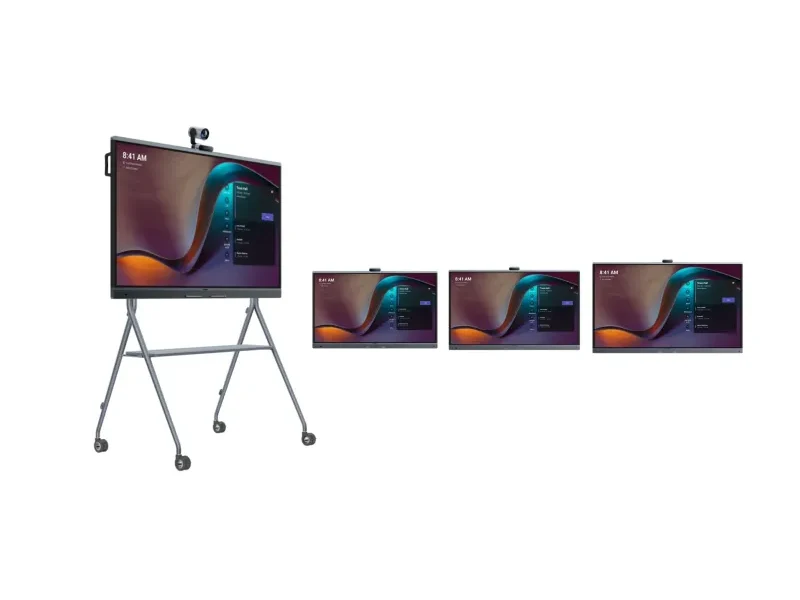
MeetingBoard Pro (65", 75", 86")
All-in-one meeting board with Teams and Zoom versions.
- 65": 1–6 people · 75": 6–12 · 86": 12–20
- Triple 50 MP camera system
- Full-duplex microphone coverage up to 12 m
- 36 W speakers
Wireless sharing
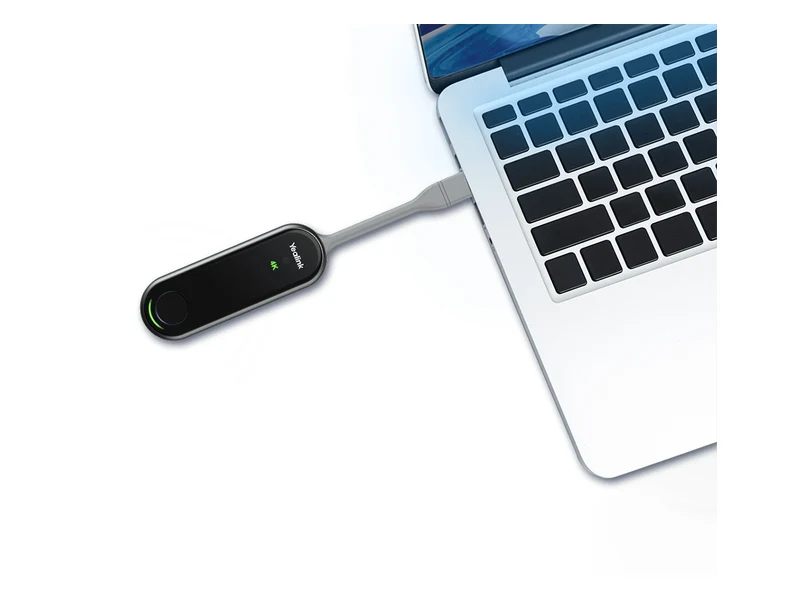
WPP30
4K wireless presentation pod.
- Up to 4K at 30 fps
- Wi-Fi 6
- Up to four streams on the main screen
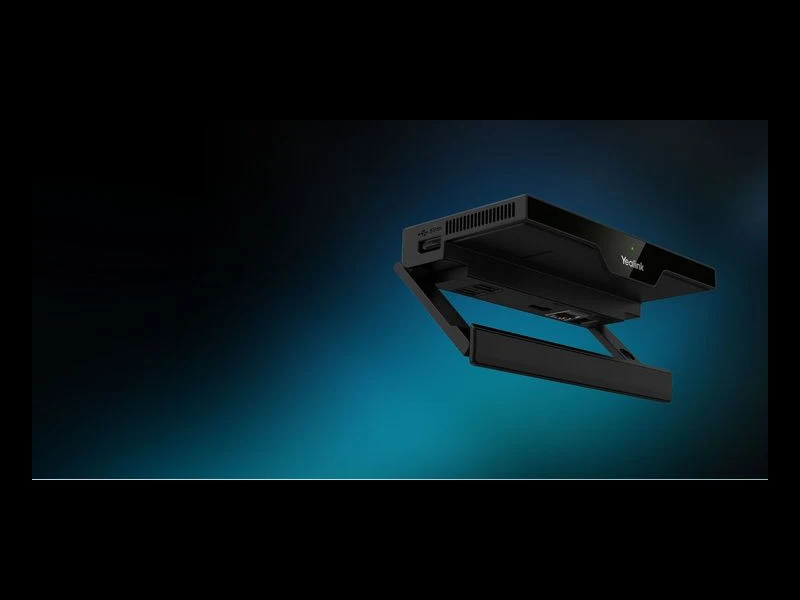
Yealink IP phones in our shop
All Yealink phones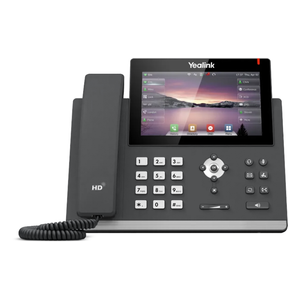
Yealink SIP-T48U SIP Phone
Ksh 27,500
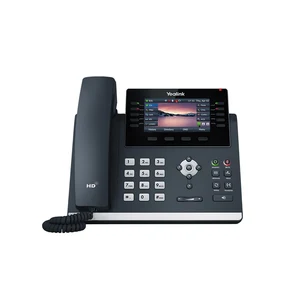
Yealink SIP-T46U IP Phone
Ksh 26,900
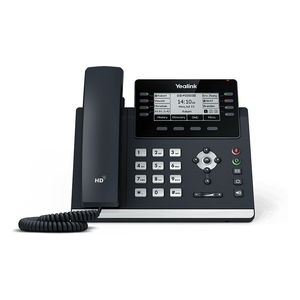
Yealink SIP-T43U
Ksh 15,000
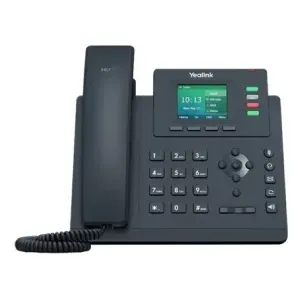
Yealink SIP-T33G
Ksh 9,000
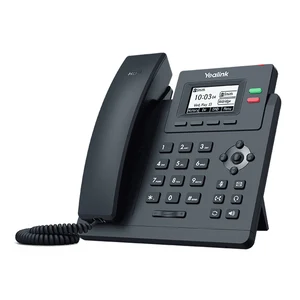
Yealink SIP-T31G IP Phone
Ksh 7,900
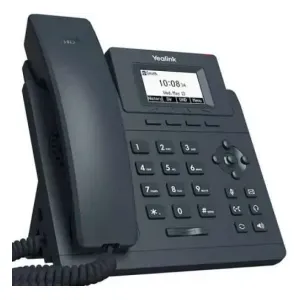
Yealink T30P
Ksh 5,800
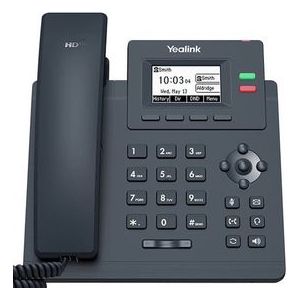
Yealink SIP-T31P
Ksh 5,800
Common questions
Which Yealink video bar suits my room?
It depends on how many people meet, the shape of the room and the platform you use. Use the room designs above as a starting point, then send us your room details.
Do I need extra microphones?
In longer rooms the people furthest from the screen may need an extension, table or ceiling microphone. We check which models work with your chosen bar or system before quoting.
Can it work with Microsoft Teams or Zoom?
Many Yealink room devices are offered in Microsoft Teams and Zoom Rooms versions, and some can be used with your own laptop. Tell us your platform so we quote the correct version.
Tell us about your room
Send the size, number of people and your meeting platform. We will propose a design and quotation.